


AI Data Security for Professional Services:
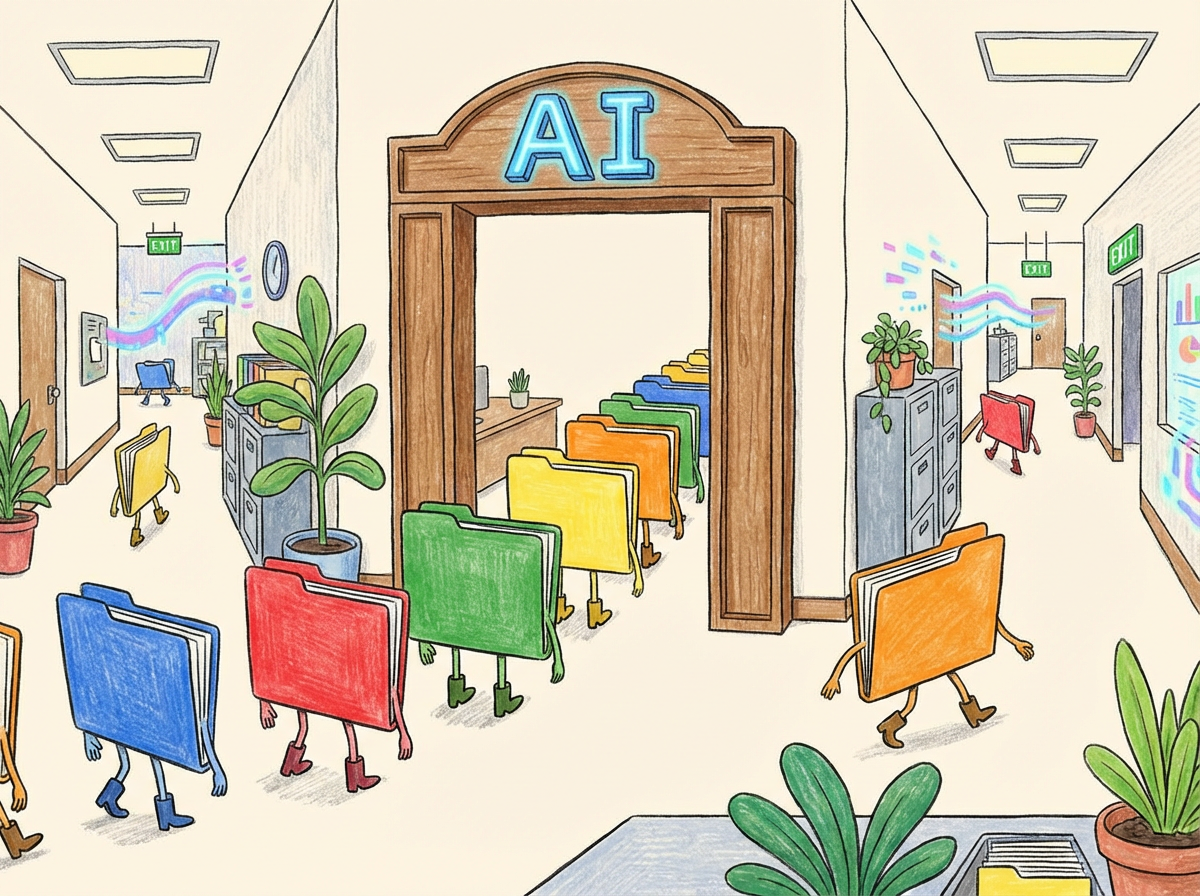
It usually starts innocently. Someone discovers AI can rewrite an email, summarize notes, or clean up a messy document in seconds.
A paralegal uses it to tighten wording. An accountant uses it to spot patterns in a report. A medical office uses it to polish a patient-facing message. AI can be genuinely helpful. The practical question isn’t “Is AI safe?” The practical question is: Where does the data go after you paste it in?
Because AI tools aren’t a feature inside your computer. They’re a service outside your organization — and services come with storage, sharing, and retention rules.
Does what you paste into AI become “public”?
Usually, no — not in the sense that strangers can search for your exact document.
But the real risk isn’t “public.” The real risk is loss of control:
- It may be saved in chat history
- It may be tied to an employee’s personal account
- It may be kept for a period of time (retention)
- It may be easy to share accidentally (links, exports, copy/paste)
- Settings may differ between consumer and business versions
So the goal is simple: keep sensitive data from going in, unless the tool and setup are clearly approved for it.
The one rule that prevents most problems
Don’t paste anything into a consumer AI tool that you wouldn’t feel comfortable emailing outside your organization. That one sentence catches most of what professional firms care about:
- contracts and negotiation notes (law firms)
- client financials, payroll, tax data (accounting/finance)
- HR issues and internal investigations (any office)
- patient identifiers and clinical details (medical practices)
Transcription tools (meeting notes, board meetings, patient conversations)
Transcription feels harmless until you remember what gets said in real meetings:
- financial decisions
- staffing and HR issues
- contracts and disputes
- patient details (potential PHI)
Once audio becomes text, it becomes:
- searchable
- shareable
- easy to copy into other places
So treat transcription tools like a file cabinet:
- limit access by role
- avoid “anyone with the link” sharing
- set retention intentionally (don’t rely on defaults)
- decide what types of meetings can be recorded
For medical practices: if there’s any chance PHI is involved, make sure the vendor setup and agreements match that reality.
A simple acceptable use policy keeps staff out of trouble
Most AI mistakes aren’t made by careless people. They’re made by busy people. That’s why the best fix usually isn’t a scary warning email — it’s a clear acceptable use policy that answers one question:
“What are we allowed to put into AI tools at work?”
A good acceptable use policy does three things:
- Removes guesswork: staff shouldn’t have to decide, in the moment, whether something is “too sensitive.”
- Keeps work in company-managed tools: personal accounts and random free tools are where control disappears.
- Gives a simple “when in doubt” rule: if it includes client financials, contracts, HR issues, or patient details — sanitize it or don’t paste it.
What to include in an AI acceptable use policy
Keep it short enough that people actually read it. One page is ideal. A practical policy usually covers:
- Approved tools list: which AI chatbots and transcription tools are allowed for business use
- Allowed vs. not allowed data: your Green/Yellow/Red guidance (the traffic light section fits perfectly)
- Account rules: no personal accounts for business data; use company-managed logins
- Sanitization rule: remove identifiers; don’t upload raw exports
- Sharing rule: don’t share chat links or transcripts externally; treat AI output like any other business document
- Escalation rule: who to ask when someone isn’t sure
If you want one line staff will remember, make it this:
AI is allowed for drafting and summarizing, but not for storing sensitive data. When in doubt, sanitize or don’t paste.
A simple “traffic light” policy staff will follow
Green (OK):
- drafting emails with generic info
- rewriting procedures with no identifiers
- summarizing sanitized notes
- brainstorming templates and checklists
Yellow (Sanitize or ask):
- financial reports, payroll, taxes
- contracts, negotiations, disputes
- internal incidents or investigations
Red (Don’t paste / don’t upload):
- PHI or patient identifiers (unless using an approved compliant workflow)
- SSNs, full account numbers, insurance IDs
- passwords, MFA codes, security answers
- raw exports from EHR/PM/accounting systems
The takeaway
AI doesn’t need to be scary. It just needs boundaries.If you remember one thing, make it this:
AI risk is mostly a copy/paste problem — not an AI problem.